

Before you start
- Your data plane must be able to reach the database over TCP — a public endpoint, a peered network, or an SSH tunnel to a private one.
- A ClickHouse user Dippr can log in as, with read access to the databases you want to expose (schema discovery reads
system.columns, excludingsystemandinformation_schema).
Register the integration
From Integrations, choose Register integration and select ClickHouse.
Capabilities available for this kind: driver (required), federation. Federation is what makes the database a catalog on your query engines. ClickHouse has no MCP capability today.
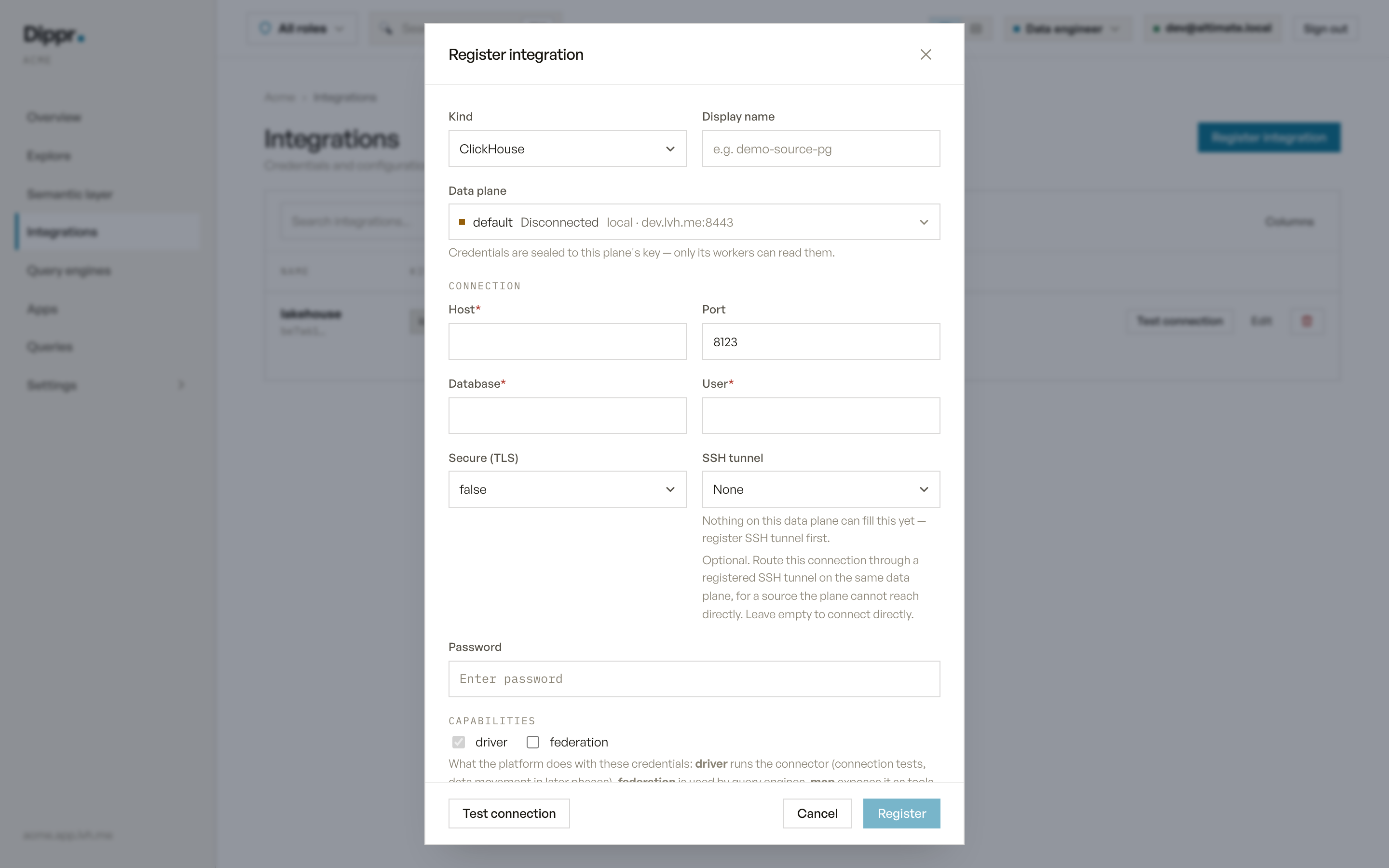
The Register integration dialog with kind ClickHouse selected.
Test connection
RunsSELECT version() against the stored (or drafted) credentials and reports the server’s version string on success. A failure reports ClickHouse’s own error.
In Explore
Once a query engine applies this integration, it appears as a catalog named after the integration’s display name (lowercased, non-alphanumeric characters collapsed to underscores; a name that collides with another catalog gets a short suffix; see How catalogs are named). Every database and table your ClickHouse user can read appears under it, with column names and types. Nullability is read from the type itself (Nullable(...)).
Limitations
- Discovery reports databases and tables only — no engine, partitioning or ordering-key detail.
- What you can query or change through the engine is governed by your own roles and grants, not by this record.
Equivalent dip command
Register a ClickHouse source
Troubleshooting
Related
SSH tunnels
Reach a database sitting behind a bastion, in a private network.
Test connection and secrets
How Test connection works, and how your credentials are stored.