

Before you start
- A Google service account key (download the JSON from the Google Cloud console).
- A metadata spreadsheet: one sheet with a table name in column A and a sheet ID in column B for every table you want to expose (row 1 is treated as a header and skipped). Column B can optionally be
<sheet-id>#RangeName!A:Dto pin a specific range. - The metadata spreadsheet, and every sheet it names, must be shared with the service account’s
client_email(found inside the downloaded key JSON) — or with the delegated user below, if you use one.
Register the integration
From Integrations, choose Register integration and select Google Sheets.
There’s no auth method to choose: the connector supports exactly one credential shape (a service account key), so there’s nothing to select between.
Capabilities available for this kind: driver (required), federation.
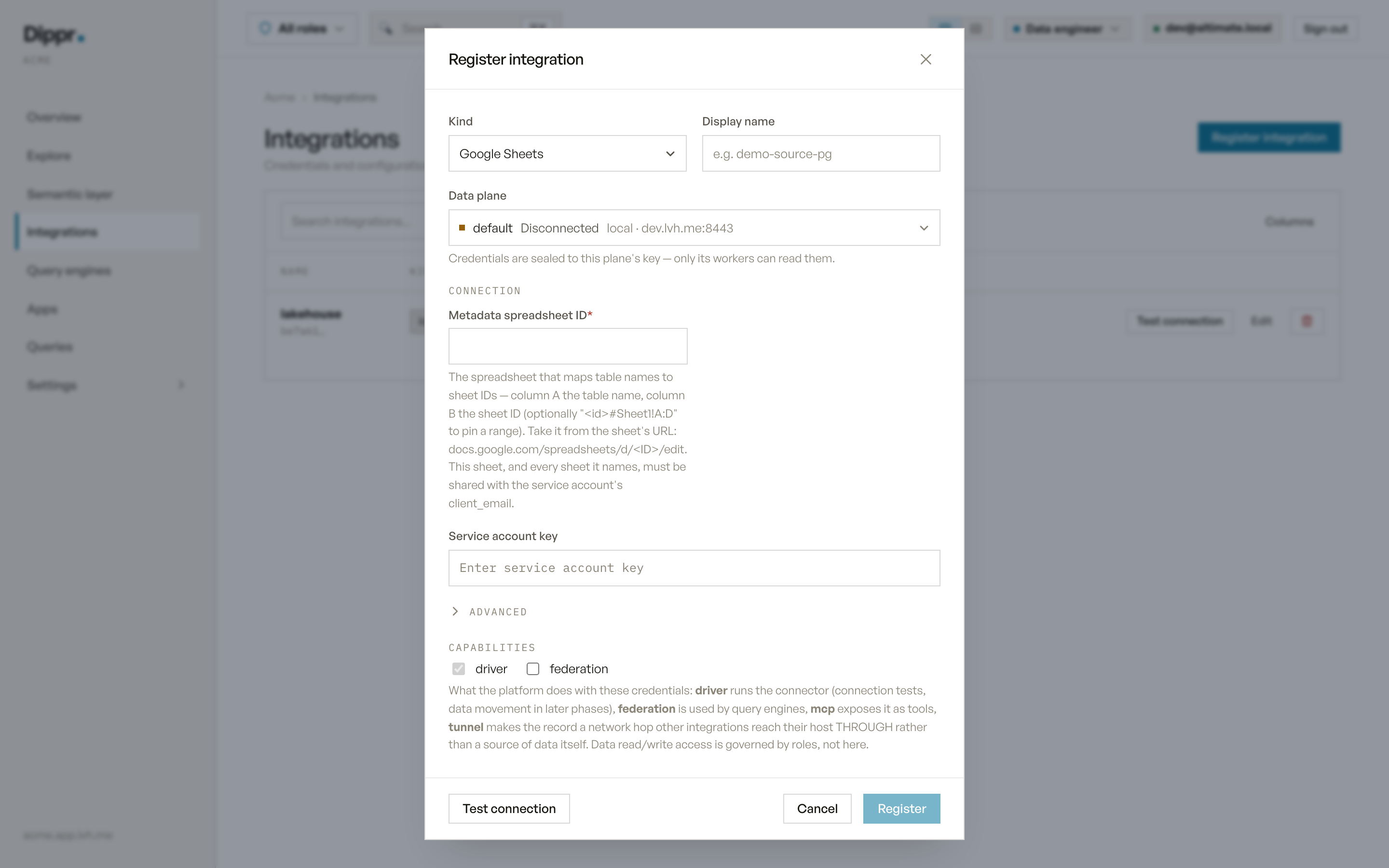
The Register integration dialog with kind Google Sheets selected.
Test connection
Reads the metadata spreadsheet’s title, then its values, in that order — the two checks fail differently and tell you which problem you have:- The spreadsheet doesn’t exist, or isn’t shared with the service account (or delegated user).
- The metadata sheet exists but is empty or has no valid rows.
- The metadata sheet lists the same table name twice (compared case-insensitively) — this fails the whole catalog rather than one table, because Trino refuses to build the table mapping at all when a name repeats.
In Explore
Every table named in the metadata sheet appears under one schema,default. Every column is typed VARCHAR — Sheets has no native column types, so everything is read as text. A table whose own sheet can’t be read still appears, with no columns, rather than breaking the whole catalog.
Limitations
- Read-only: this kind connects Dippr to a spreadsheet’s contents, not the other way around.
- No tunnel support — Sheets is reached over the public Google API, not a private network, so there’s nothing to route through a bastion.
- What you can query through the engine is governed by your own roles and grants, not by this record.
Equivalent dip command
Register a Google Sheets source
--secret-stdin expects key=value lines. For a JSON secret, pipe printf 'service_account_key=%s\n' "$(cat sa-key.json)" instead of the file directly if your shell doesn’t handle embedded newlines well.Troubleshooting
Related
Integrations overview
Which sources you can connect, and how a source becomes a catalog.
Test connection and secrets
How Test connection works, and how your credentials are stored.